 BE VOICE
SAP Business One and your systems
Answers from your live data, not a script
Connect BE Voice to the systems your business runs on. During a call the AI checks stock, orders, bookings or balances, and writes back what was agreed, so nobody retypes it after the call.
SAP Business One
Your customers ask. BE Voice answers from Business One.
BE Voice uses Binary Elements' SAP Business One connector, the same one behind BE AI. It works from a fixed, published list of lookups. If a question isn't on the list, the AI can't ask Business One for it.
Anyone can ask
- Stock availability, by warehouse if you like
- Order status, and every open order for that customer
- Delivery estimate
- Service call status
Once they've proved who they are
- Account balance and credit
- Their own price, not list price
- Invoices, and anything unpaid
Anything about money waits for the caller to be verified. That can't be switched off.
What it can raise
- A quotation
- A sales order, read back first
- A credit or return request
Each one is confirmed with the customer first, and a person can reverse it afterwards.
For your IT team
Safe by design
- Nothing opens at your site: no inbound firewall rule on your side
- Your Business One database password stays on your own machine
- Every lookup is written in advance; the AI never makes up a query
- Access can be withdrawn in a second, and is checked on every request
- You choose which lookups each AI persona may use
Other systems
Booking, job, accounts and CRM systems
Use the system as it is
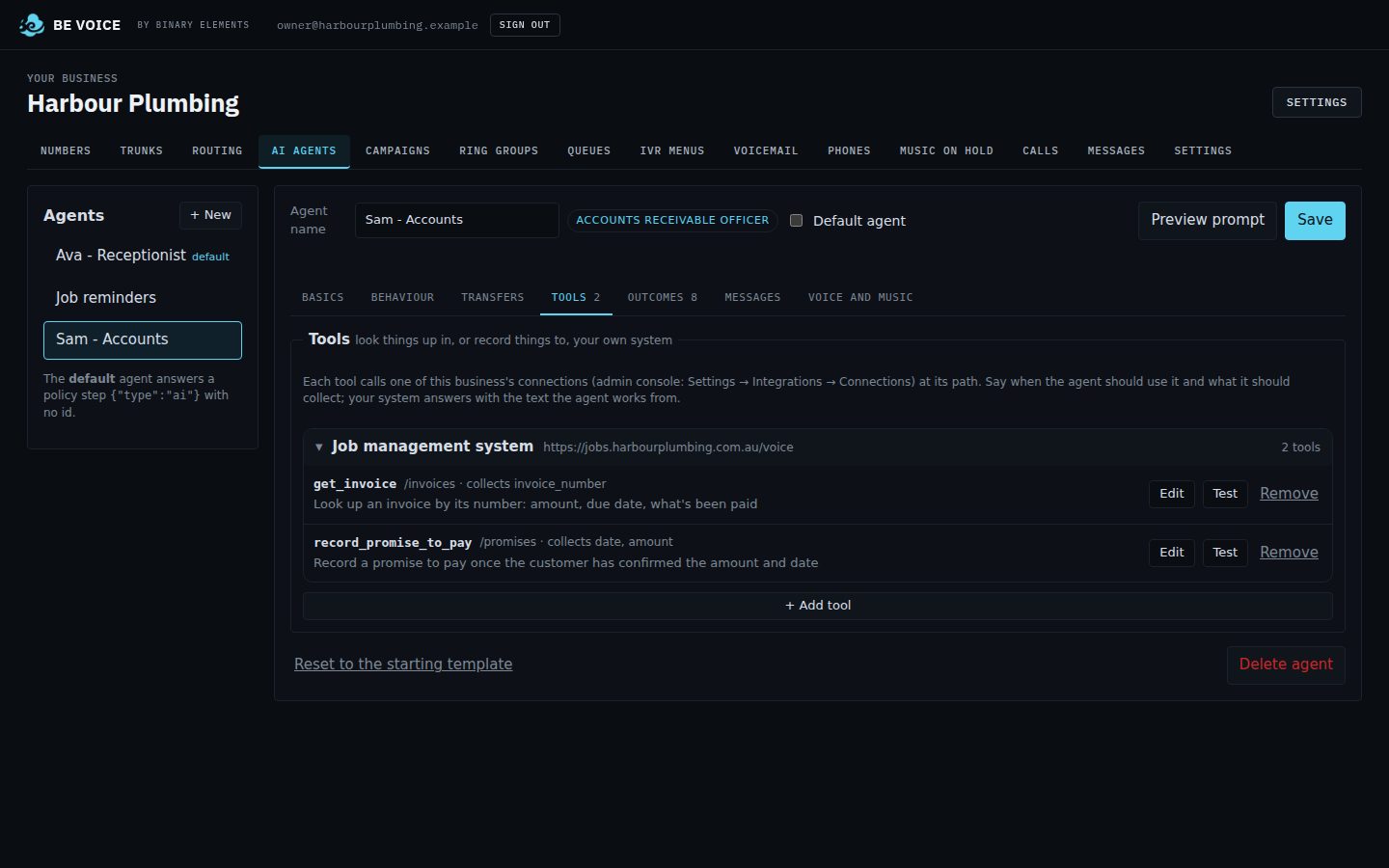
If your system has a web API, BE Voice can call it in its own format: look up a booking, an order or a balance, and record a promise to pay, a new appointment time or a note. No extra software to build for simple reads and writes.
See exactly what's sent
Test every lookup from the console with real values, and see what BE Voice sends, what comes back and what the AI hears. Credentials are stored encrypted and never shown again.
Results back to your system
Every call's outcome, answers and summary can go straight to your system the moment the call ends, signed so you know it came from BE Voice. Or export them from the console.
Lists from your system
Outbound campaigns can take their list of people to call from your system, with what the AI needs to know about each one.
Calls started by your system
Your system, or your AI assistant, can start a call with a goal and get the result back. API and MCP calling →
Something more involved?
Several steps, business rules or older systems without an API: Binary Elements builds the connection as part of setup.
Developers: the developer docs explain what your API should look like for the AI to use it.
Start with a free pilot
We set BE Voice up for your business and you try it on real calls before you decide.